Blab Business
Microsoft Dynamics 365 Business Central Gains New Maintenance Tool to Sync Production and Service Schedules
Manufacturers can finally stop guessing when to service their machines. Insight Works’ new add‑on, Maintenance Manager, plugs a long‑standing gap in Microsoft Dynamics 365 Business Central by tying preventive maintenance directly to the production data that actually drives it.
In many shops, maintenance schedules are still set on a calendar or logged manually. When a machine slips past its service interval unnoticed, a breakdown can strike mid‑shift. The problem, as Insight Works explains, is a disconnect between the data that shows how much a machine has worked and the maintenance calendar that should trigger service.
Maintenance Manager resolves this by assigning each maintenance task an interval type and linking it to a specific work center or machine center via a Capacity Type and Capacity No. When a production order is posted against that equipment, Business Central automatically updates the maintenance interval. For example, a job that records ten hours of runtime moves the machine’s maintenance record ten hours closer to its next service point; a job that completes 5,000 units advances the output count by that amount.
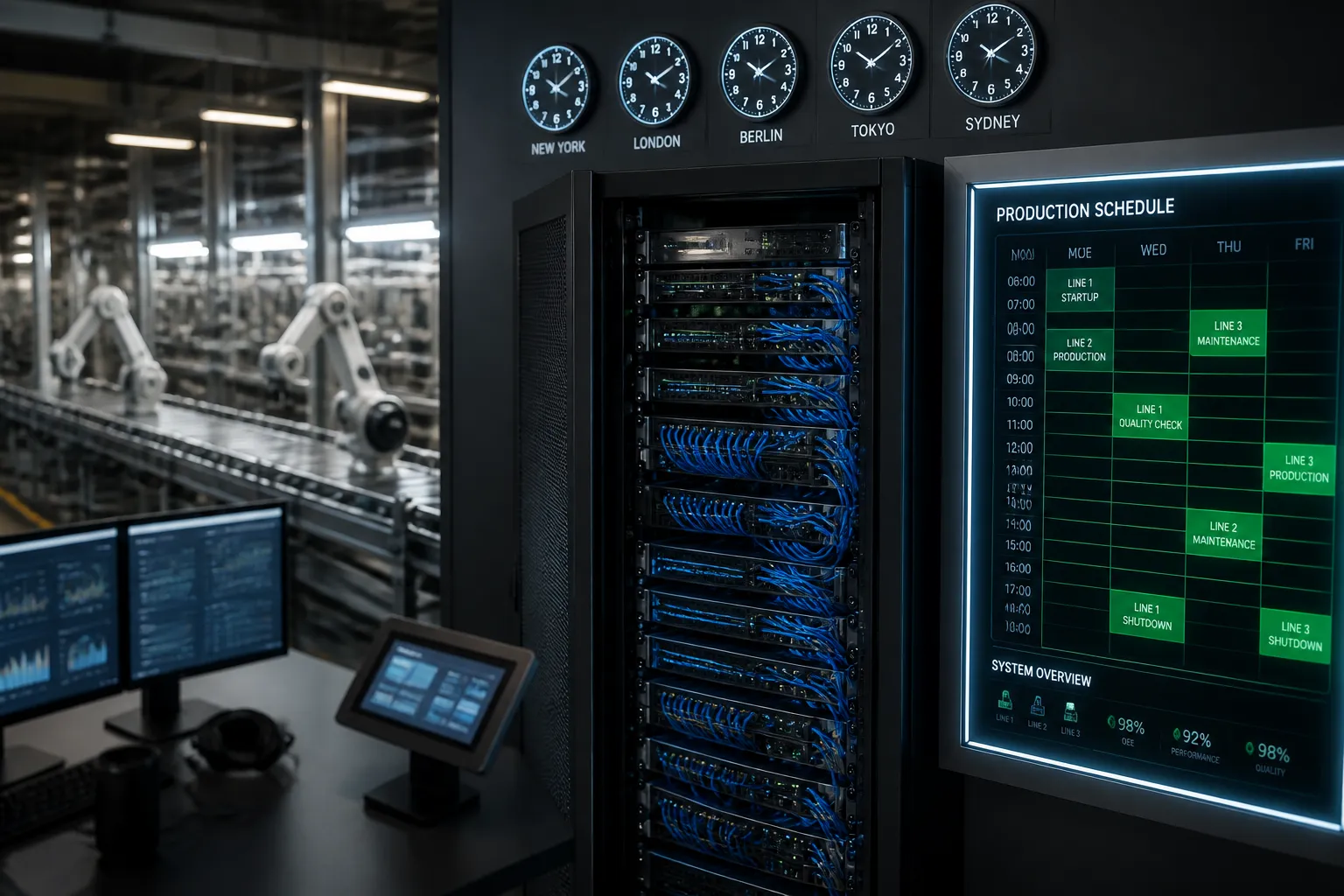
Once accumulated runtime or output reaches the threshold set for a task, the maintenance record flags as due. Users can then plan the service individually or use auto‑scheduling to review all due tasks within a chosen date range. The system generates maintenance orders that are treated as production orders, consuming capacity on the work center. Scheduling tools that read capacity—including the app itself or other Business Central add‑ons—automatically account for the downtime.
The integration removes the need for a clipboard or manual spreadsheet updates. If a shop still tracks service dates in a spreadsheet after every run, it signals that the maintenance schedule and production data are not communicating. Maintenance Manager feeds production data directly into the maintenance schedule, eliminating that extra step.
According to Insight Works, the feature does not require a separate system or manual reconciliation. It leverages the production data already generated by Business Central, making implementation straightforward for existing users.
Manufacturers interested in seeing how Maintenance Manager fits into their current process can discuss options with a Business Central partner or visit the Insight Works website.
The release comes at a time when many manufacturers are looking to improve uptime and reduce unplanned downtime. By aligning maintenance triggers with actual machine usage, companies can avoid servicing equipment too early or too late, thereby saving labor and parts costs.
Because the maintenance orders are treated as production orders, they integrate seamlessly with existing capacity planning and scheduling workflows. This integration also supports compliance with industry standards that require accurate tracking of maintenance intervals.
In short, Maintenance Manager offers a data‑driven approach to preventive maintenance within Business Central, ensuring that service schedules reflect real production activity and helping manufacturers keep equipment reliable without extra manual effort.
In many shops, maintenance schedules are still set on a calendar or logged manually. When a machine slips past its service interval unnoticed, a breakdown can strike mid‑shift. The problem, as Insight Works explains, is a disconnect between the data that shows how much a machine has worked and the maintenance calendar that should trigger service.
Maintenance Manager resolves this by assigning each maintenance task an interval type and linking it to a specific work center or machine center via a Capacity Type and Capacity No. When a production order is posted against that equipment, Business Central automatically updates the maintenance interval. For example, a job that records ten hours of runtime moves the machine’s maintenance record ten hours closer to its next service point; a job that completes 5,000 units advances the output count by that amount.
Once accumulated runtime or output reaches the threshold set for a task, the maintenance record flags as due. Users can then plan the service individually or use auto‑scheduling to review all due tasks within a chosen date range. The system generates maintenance orders that are treated as production orders, consuming capacity on the work center. Scheduling tools that read capacity—including the app itself or other Business Central add‑ons—automatically account for the downtime.
The integration removes the need for a clipboard or manual spreadsheet updates. If a shop still tracks service dates in a spreadsheet after every run, it signals that the maintenance schedule and production data are not communicating. Maintenance Manager feeds production data directly into the maintenance schedule, eliminating that extra step.
According to Insight Works, the feature does not require a separate system or manual reconciliation. It leverages the production data already generated by Business Central, making implementation straightforward for existing users.
Manufacturers interested in seeing how Maintenance Manager fits into their current process can discuss options with a Business Central partner or visit the Insight Works website.
The release comes at a time when many manufacturers are looking to improve uptime and reduce unplanned downtime. By aligning maintenance triggers with actual machine usage, companies can avoid servicing equipment too early or too late, thereby saving labor and parts costs.
Because the maintenance orders are treated as production orders, they integrate seamlessly with existing capacity planning and scheduling workflows. This integration also supports compliance with industry standards that require accurate tracking of maintenance intervals.
In short, Maintenance Manager offers a data‑driven approach to preventive maintenance within Business Central, ensuring that service schedules reflect real production activity and helping manufacturers keep equipment reliable without extra manual effort.